QFIELD
THE APP THAT MAPS YOUR WORLD
QField
Collect | collaborate | customise
- 📍 Collect data — fast, accurate, offline
- ☁️ Collaborate — sync seamlessly with QFieldCloud
- 🛠️ Customise — forms, tools, plugins, your way
- 🌍 Forests, cities, infrastructure, disaster zones, …
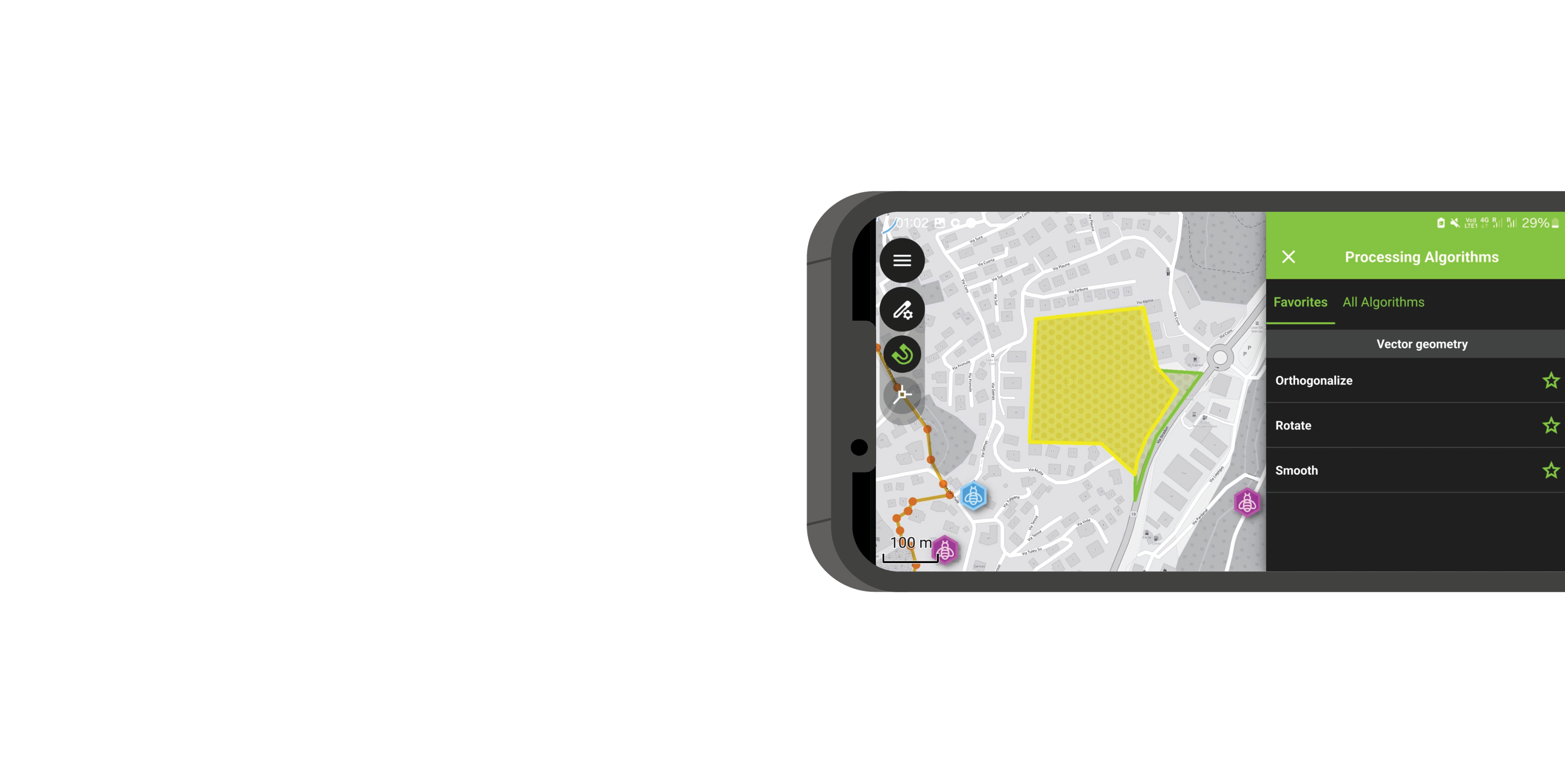
Why QField?
Built for fieldwork. Trusted worldwide.
- ✅ Open source — no vendor lock-in
- 🧩 Seamless QGIS integration
- ⏱️ Saves time, fewer errors
- ☁️ Online + offline sync with QFieldCloud
- 📷 Richer data
- 💼 Used by NGOs, cities, researchers, and industries
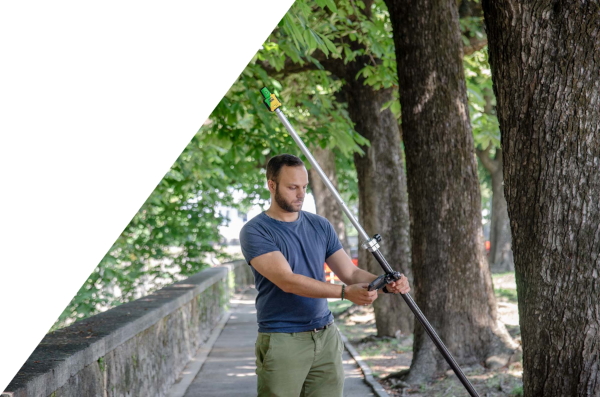
Smart Maps
High-precision mapping anywhere
- 🗺️ Location tracking & geofencing
- 📍 Full QGIS symbology on mobile
- 🎯 Optimized for spatial field tasks

Powerful Forms
Complex logic, simple interface
- 📝 Build in QGIS, no coding
- ⚙️ Logic, constraints, defaults
- ✅ Clean, validated field input

Capture Everything
Media-rich data collection
- 📷 Photos & video
- 🎙️ Audio notes
- 🔍 QR codes & NFC scanning

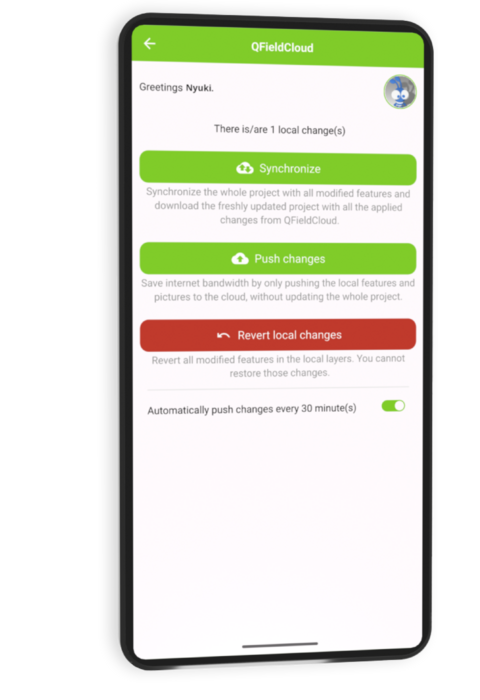
Seamless Sync + Format Support
Connected workflows, open formats
- 🔄 Sync with QFieldCloud
- ☁️ Work offline & online
- 📦 GPKG, KML, GPX, PDF, more
Editing & Processing Tools
True field editing power
- ✏️ Snap, draw, reshape
- 📐 Vertex editing
- 🧮 Geometry ops in the field

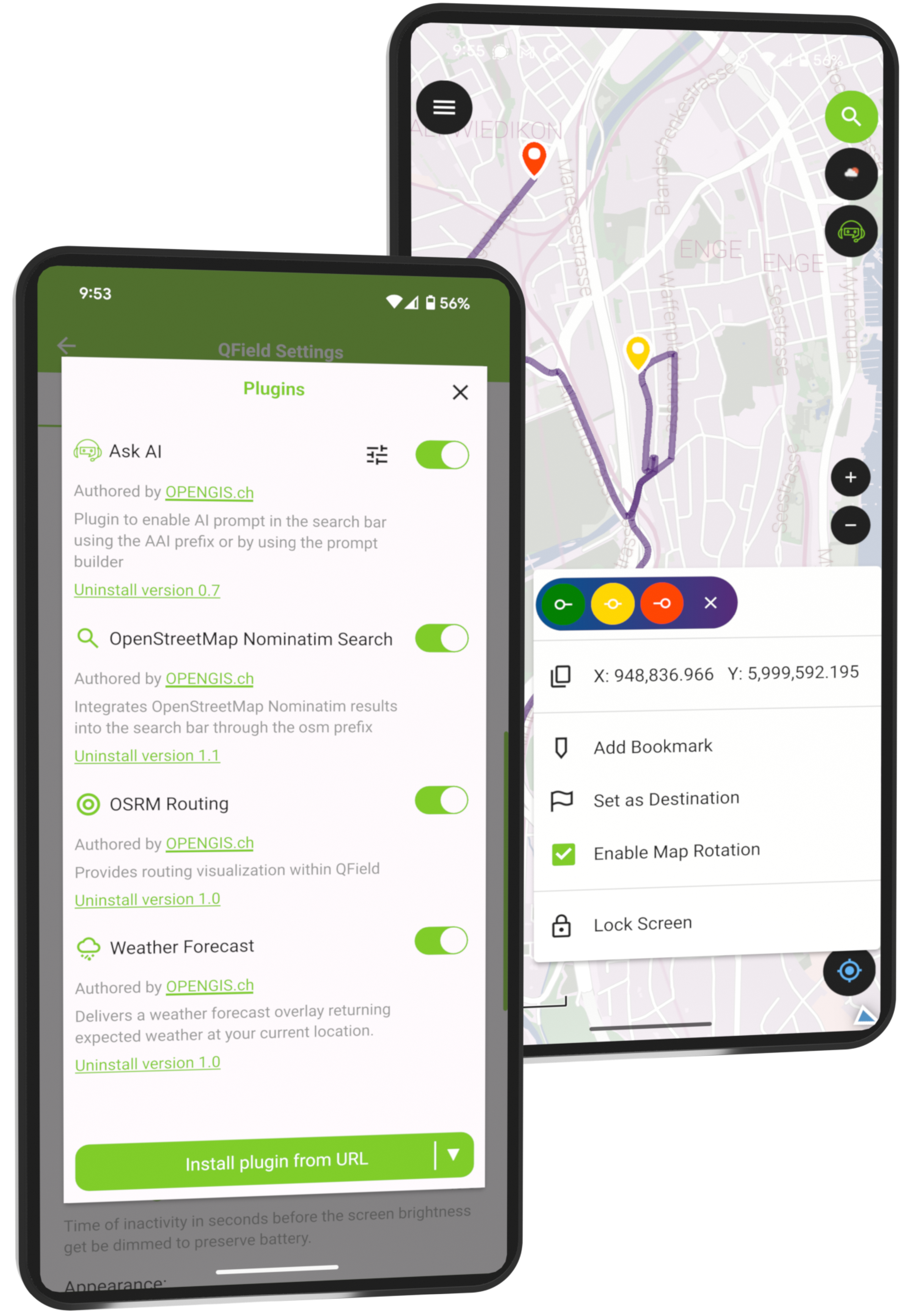
Plugin Support
Customize QField your way
- 🔌 QML & JavaScript plugins
- 🛠️ Custom workflows
- 🚀 Extend functionality as needed
CONVENIENCE, CONVENIENCE, CONVENIENCE
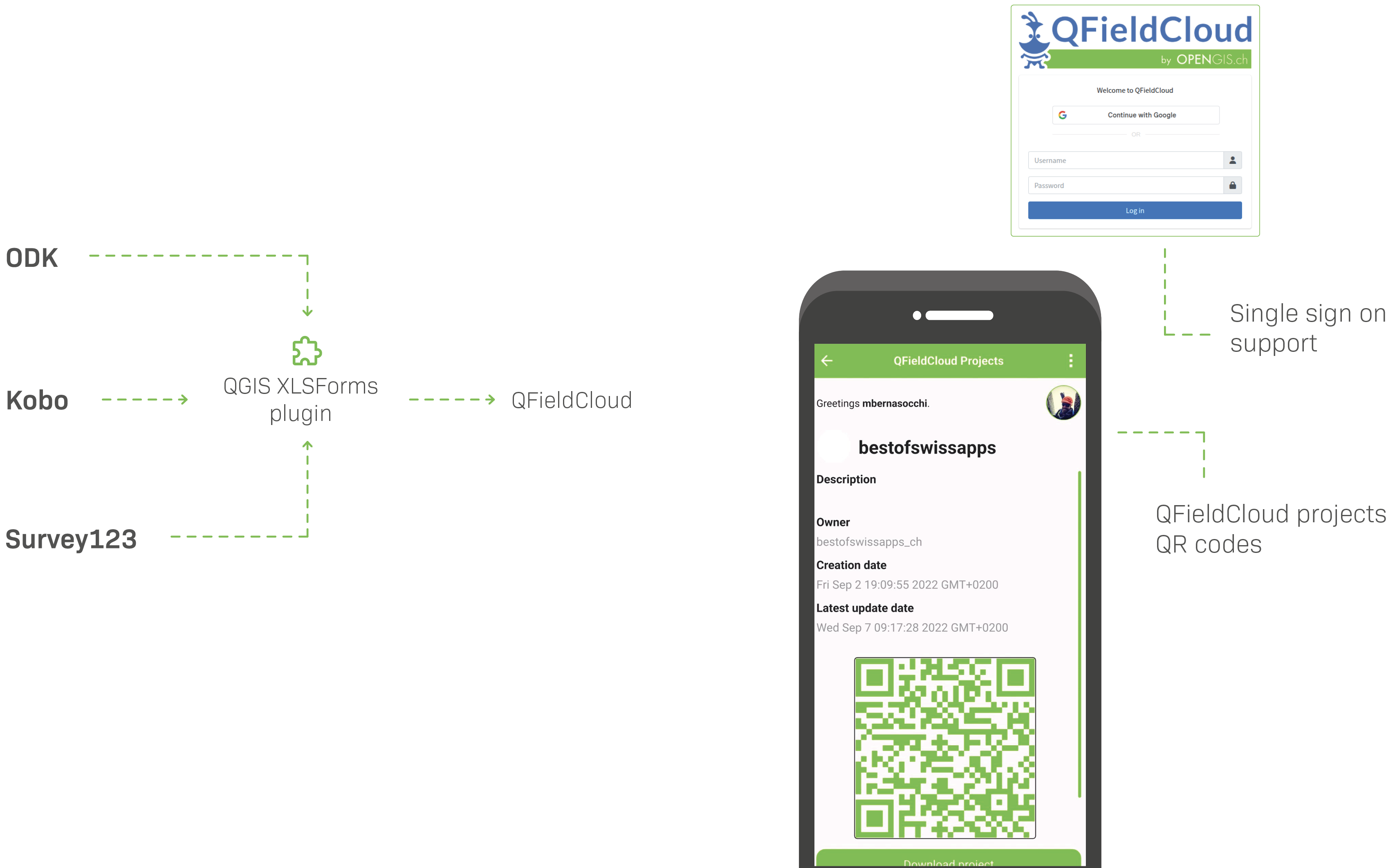
Easily migrate your XLSForms into QField projects with our new QGIS plugin
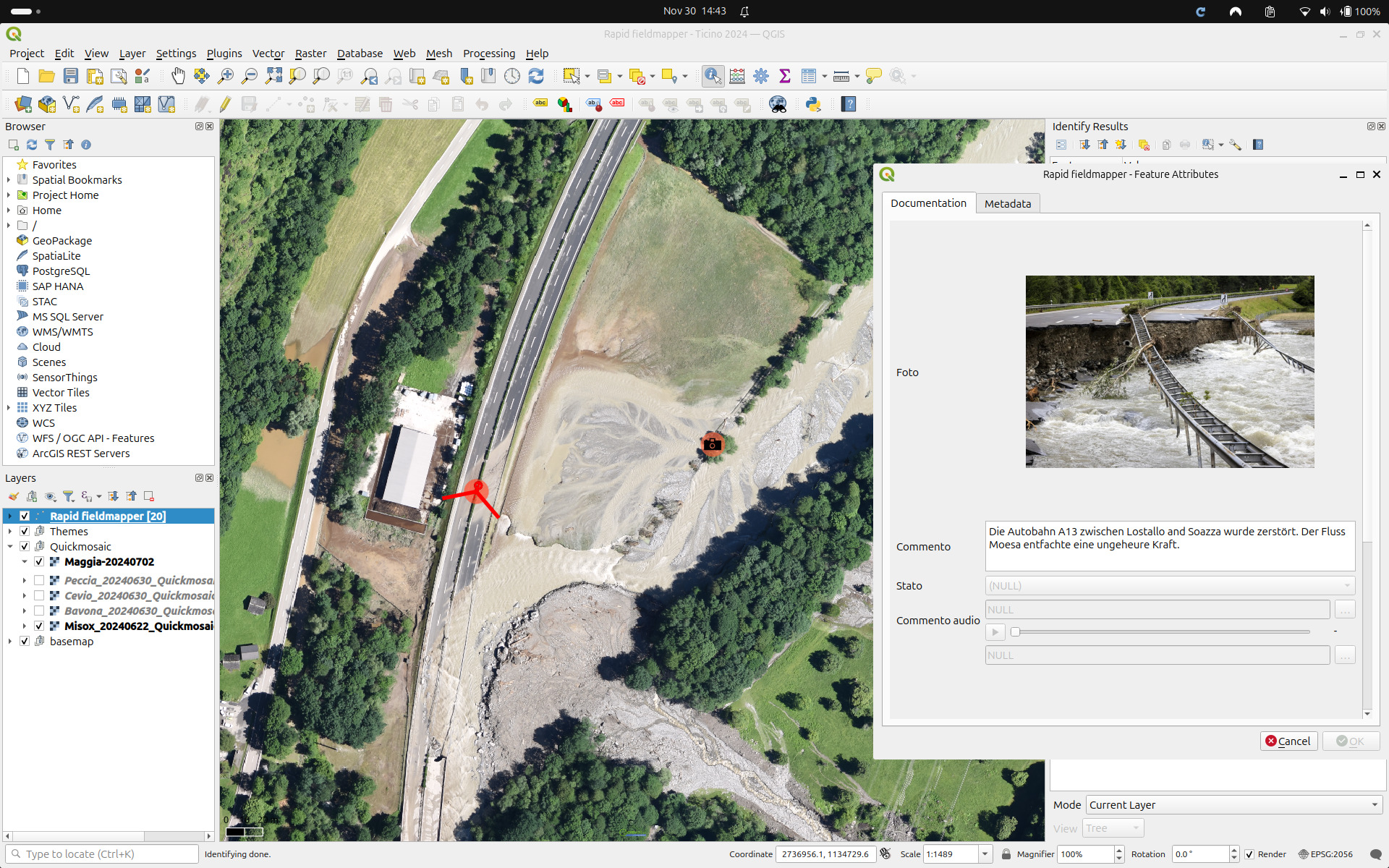
Design project
in QGIS
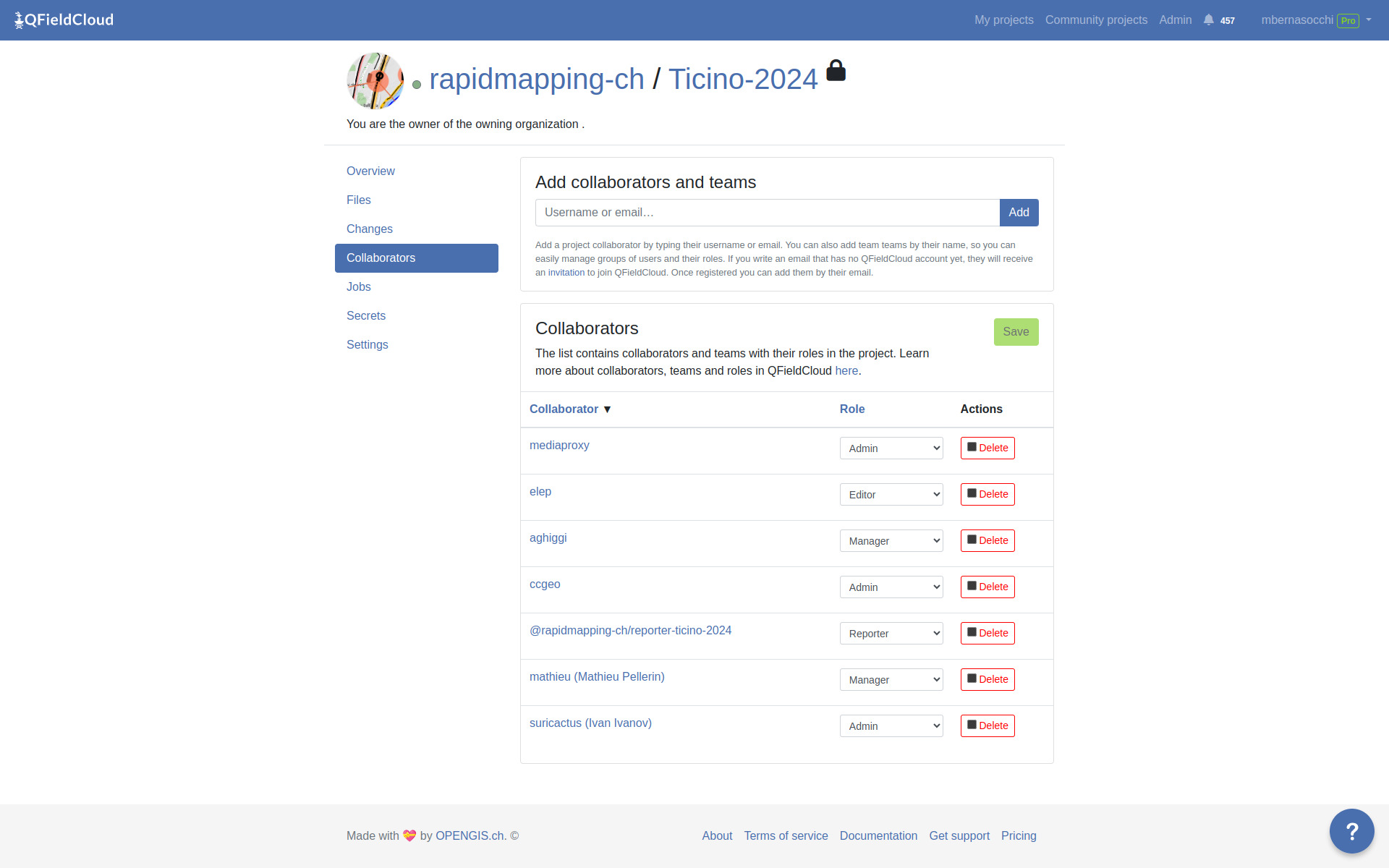
Manage teams
with QFieldCloud
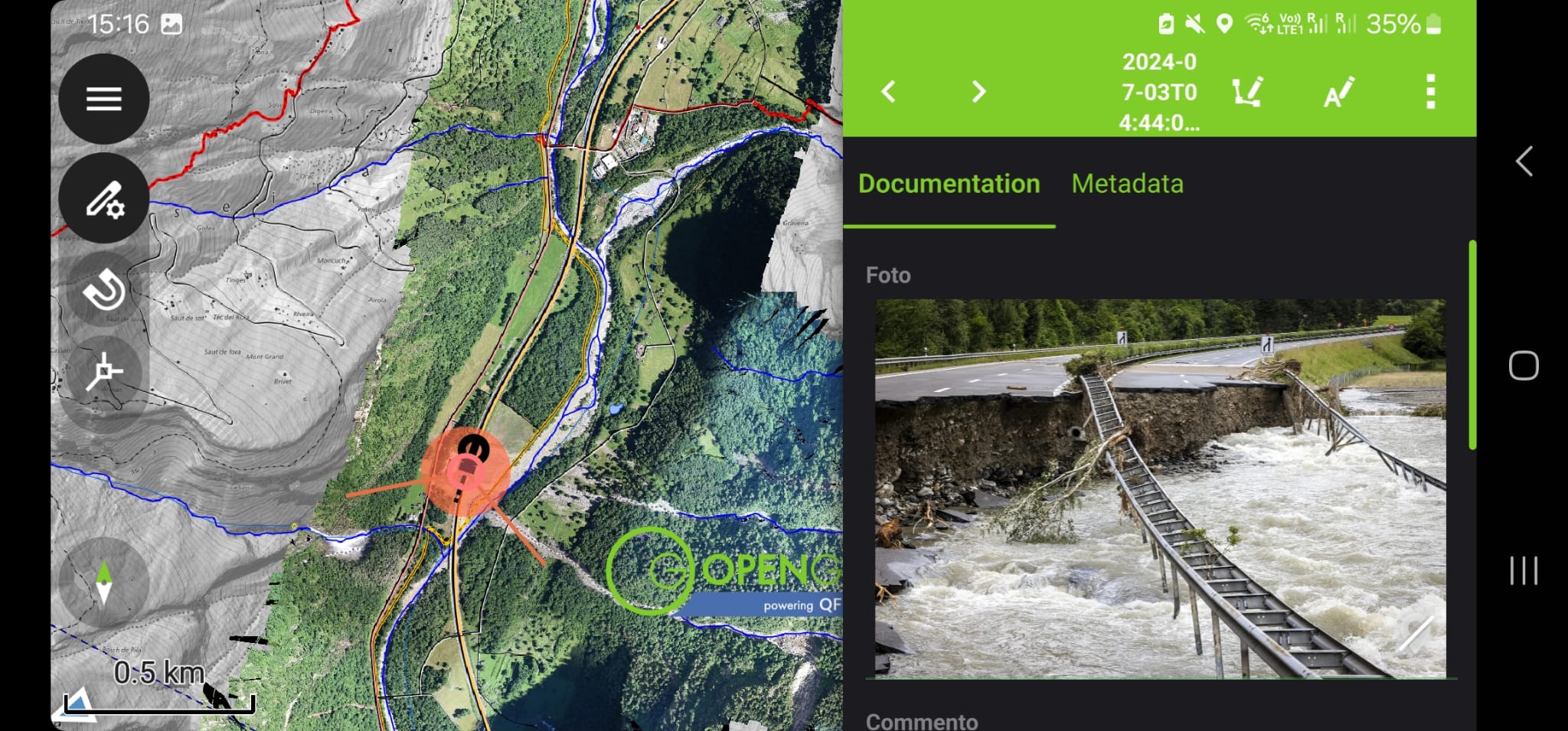
Get data
From QField
Publish data
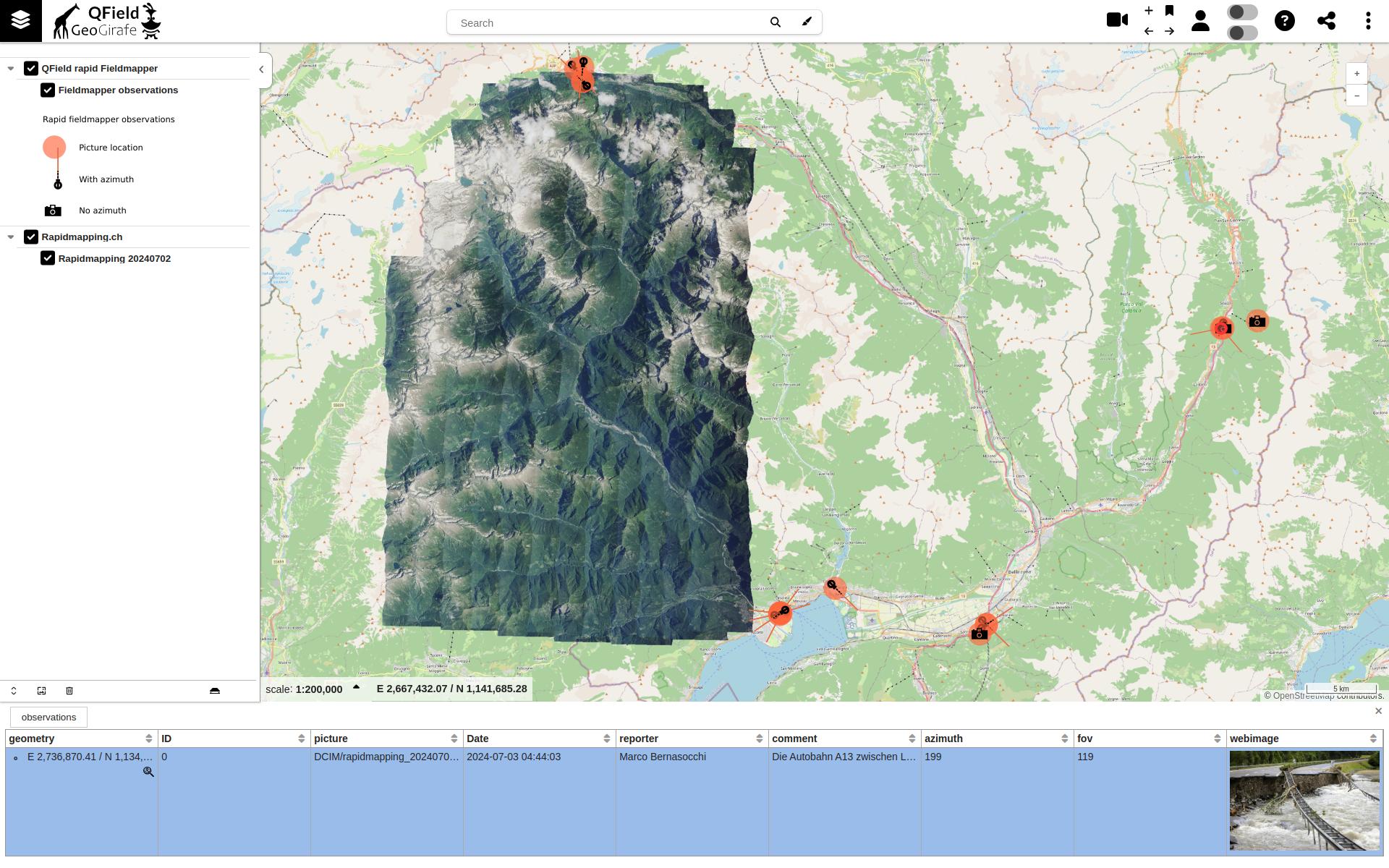
With Georama/Geogirafe