2.7 - Heroic Hedgehog

🚀 Features
- Map canvas rotation support (via pinch rotation gesture and mouse middle button)
- Audio and video attachment recording and playback within the feature form
- File attachment support added to the feature form
- User interface dark theme styling and font scaling
- A completely revamped non-native camera featuring zoom support, flash toggle, GPS location metadata, and a much better interface
- New action to import a dataset of compressed project from a remote URL
2.8 - Insightful Indri

🚀 Features
- Sensors data handling (reading, writing to feature, tracking) within QField
- Skip the welcome screen and jump right into your last opened - or user-specified - project when launching QField
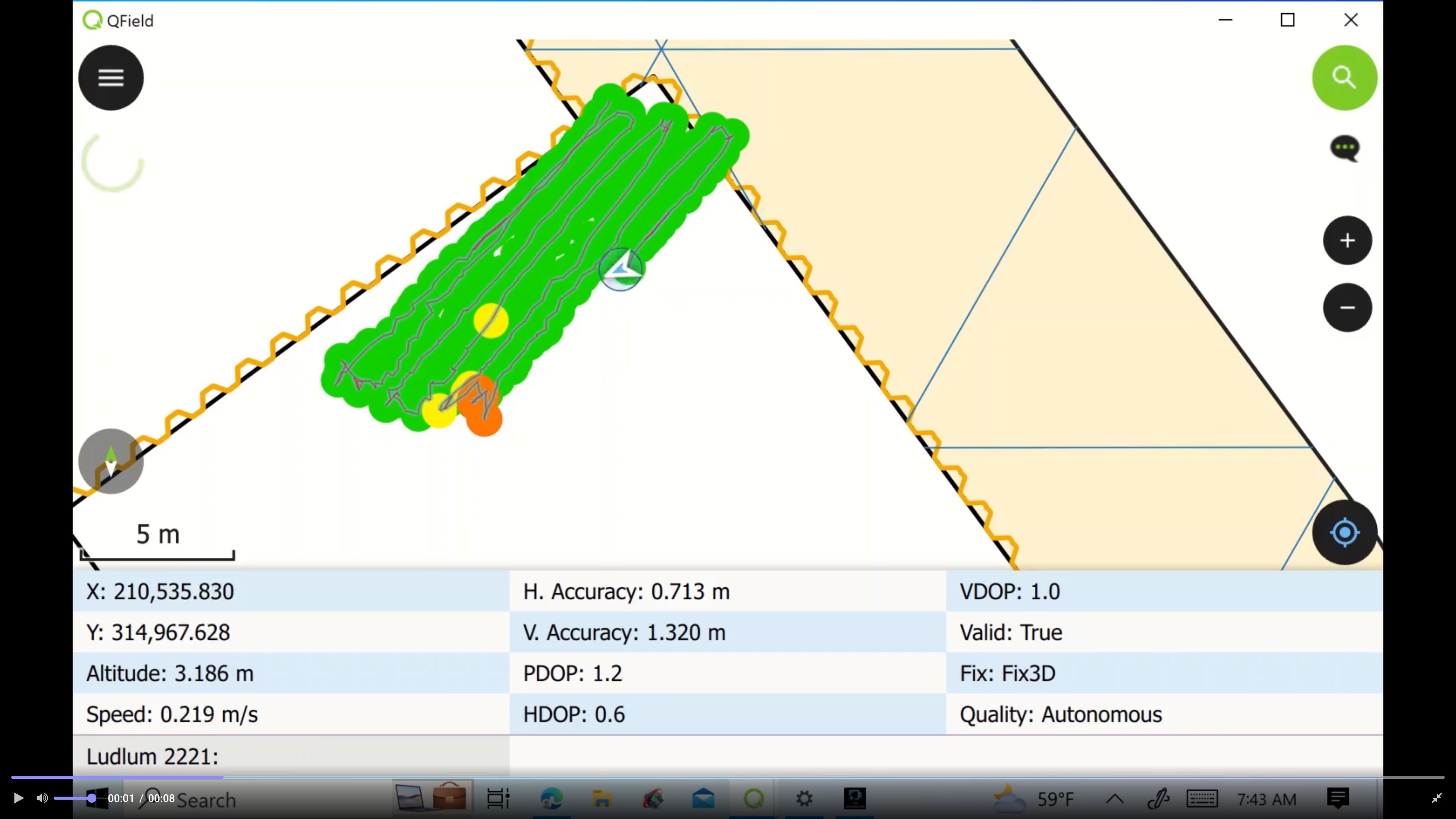
- IMU correction for supported Happy GNSS devices
- Global map shading rendering support
✨ Improvements
- Handle opening of individual datasets with mixed geometry layers
- Feature lists are now sorted, everywhere
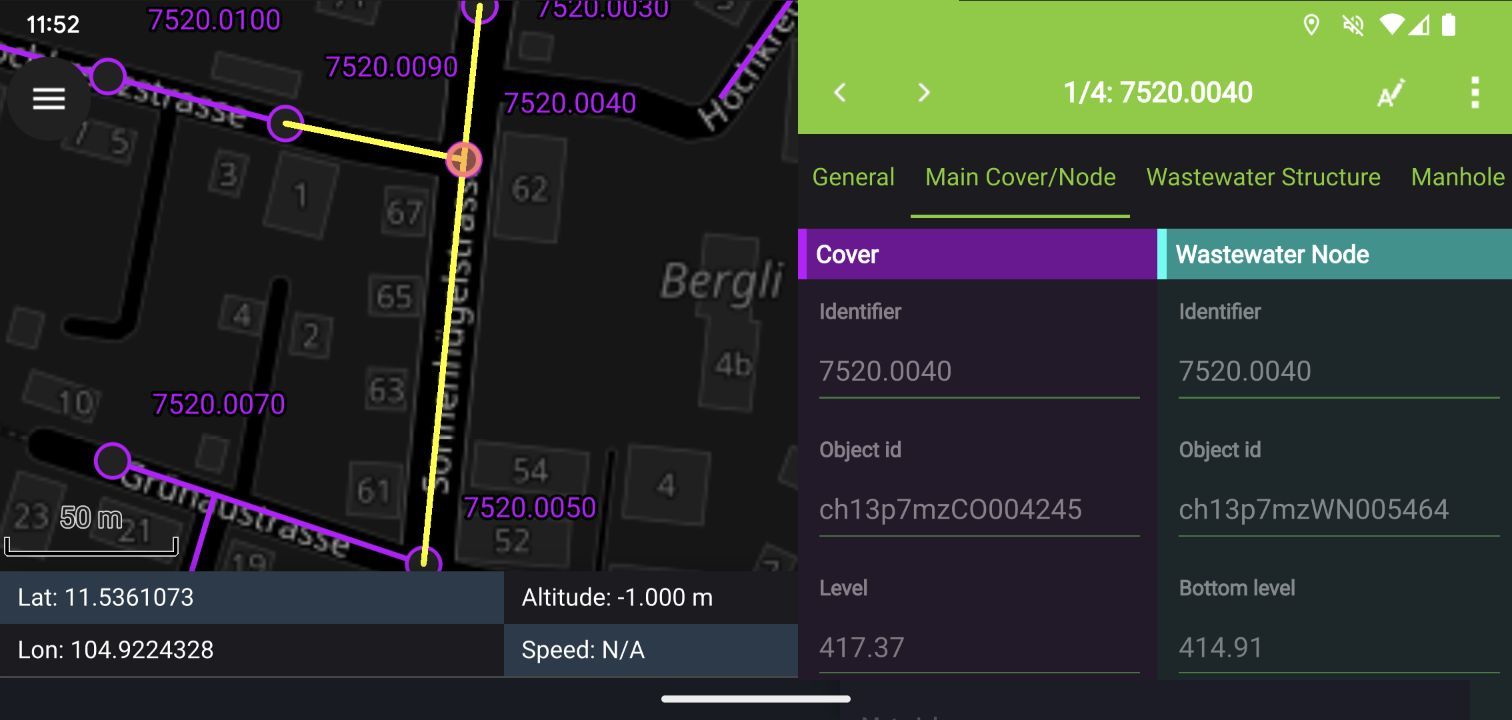
- Feature form’s field labels will now respect the color and style overrides defined in project files
- File association to support opening .mbtiles standalone datasets
3.0.0 - Amazonia

🚀 Features - General
- Near-Field Communication (NFC) text tag reading support
- The welcome screen’s recent projects list is now equipped with a map canvas preview
- New active layer feature search functionality in the top search bar
- New map canvas rendering quality setting to unlocked faster rendering speeds and lower memory usage at the cost of a slightly rendering quality reduction
- A list of feature(s) under which a long press has occurred is now appended to the map canvas menu with action shortcuts—
🚀 Features - General continued
- Relationship-related editor widgets now allows for zooming onto the child/parent within the feature form
- Layer credits are now displayed within the layer properties panel when available in opened projects
- Imperial and nautical scale bar support
- Feature form text widget support
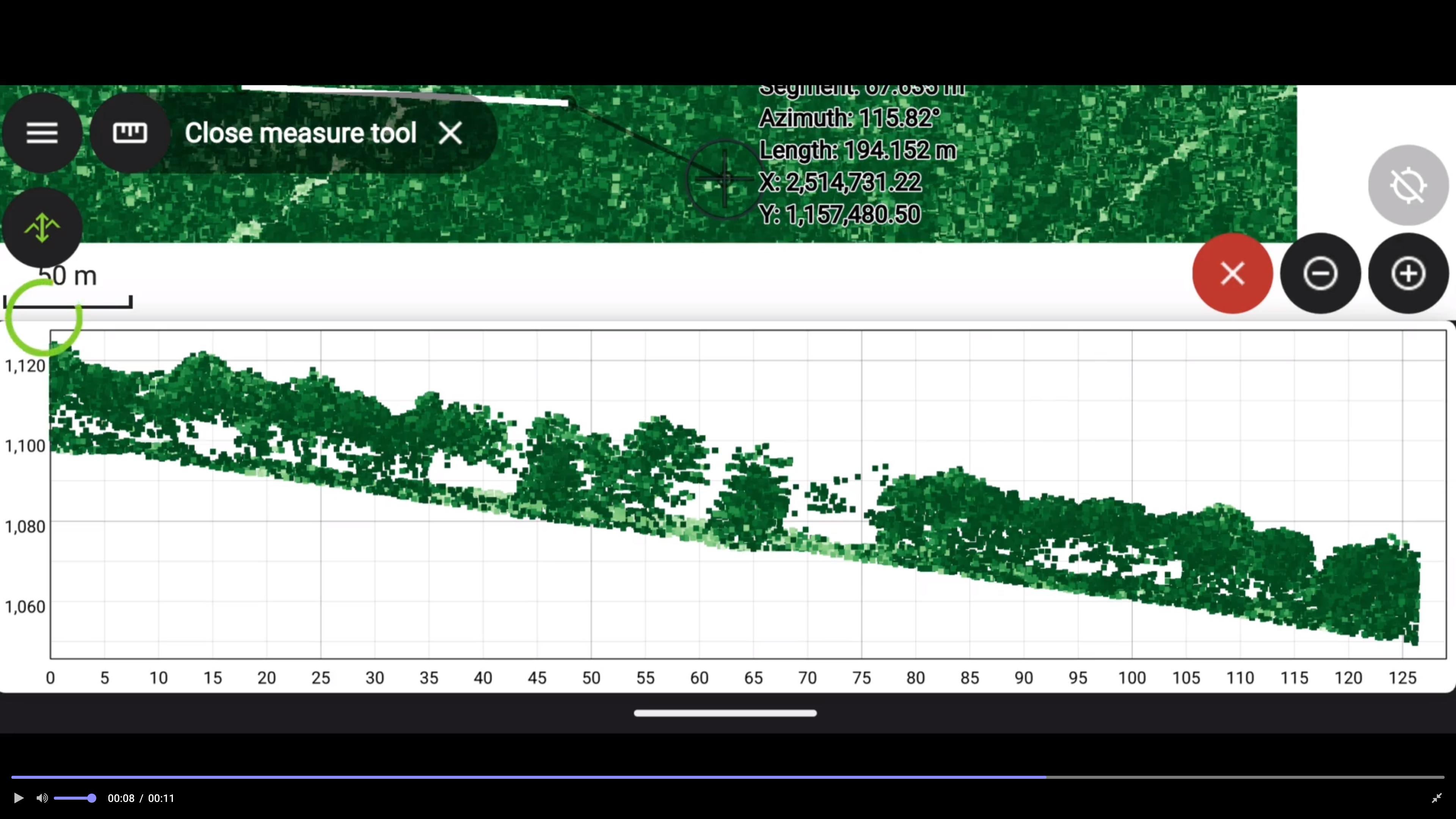
- Point cloud profiles
🚀 Features - Tracking
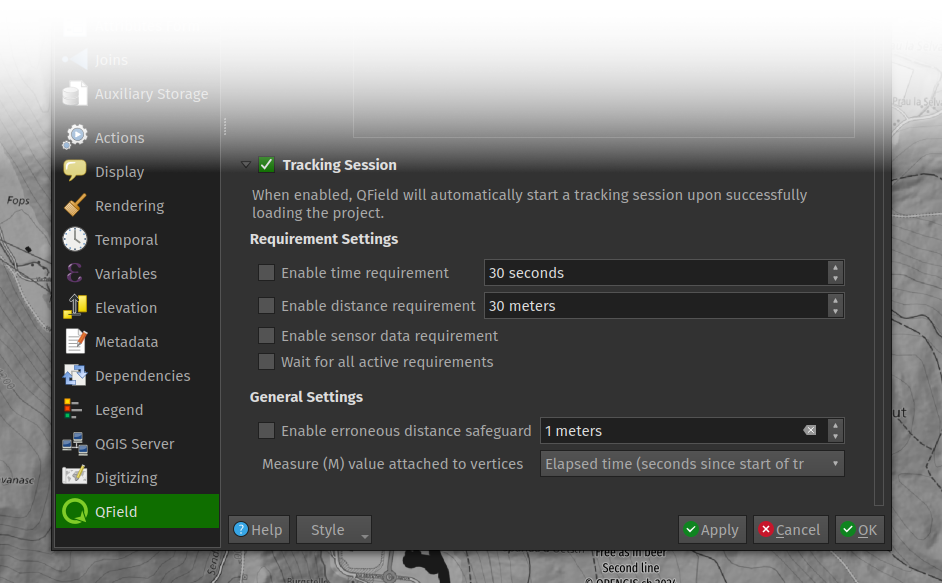
- New erroneous position safeguard defined as a maximum distance threshold
- Resumption of tracking across sessions
🚀 Features - Digitizing continued
- New snapping button which allows users to toggle snapping on/off while digitizing
- New legend snapping badges when project is set up to advanced snapping mode
- Digitizing of geometry vertices through volume keys
- Brand new geometry editor’s eraser tool allowing users to remove parts of a geometry by drawing areas of deletion
✨ Improvements - Qt6
- Dramatically improved Material theme used to style UI elements such as combo boxes
- Improved dark theme color scheme
- Improved internal positioning handling of satellite information
- Years worth of fixes and improves when compared to the previously used version
✨ Improvements - Quality of life
- The value relation editor widget has received several fixes and UX improvements
- When duplicating features, users are now asked to move the duplicated feature immediately
- Duplication of features will now copy any children of any existing relationships set to composition strength
- Missing project fonts are now downloaded in the background and automatically added into QField—
✨ Improvements - Quality of life
- Labels visibility on vector tile layers can now be toggle on/off
- QField now exports layouts as PDFs on iOS
- Improvements in the handling of altitude with external GNSS receivers
- Countless optimizations have made QField’s UI smoother than ever
3.1.0 - Borneo

🚀 Features
- QField can now snap to common angles when digitizing lines and polygons
- Expression-driven locking of geometry per feature
- QField’s QML camera now adds direction metadata alongside geographical information
- QField’s QML also features a grid overlay—
🚀 Features continued
- Vertex editor has again a new undo mechanism and capability to select a vertex by finger tapping on the screen
@positioning_orientation variable available when running on devices equipped with a compass- Functionality to allow for non-cloud projects to be updated through a ZIP file containing refreshed and/or new datasets and project file
3.2.0 - Congo (Latest)

🚀 Features
- Project-defined tracking sessions activated on project load
- Background push and synchronization for cloud projects
- Automatically push pending changes to the cloud on a regular interval
- New undo/redo functionality allowing you to reverse undesired digitizing and feature editing
- Title and copyright decoration overlay on top of the map canvas
✨ Improvements
- Better progress feedback when downloading and synchronizing cloud projects
- Visual indicators of ‘newer’ cloud project available on the server in QField
- Relationship’s children can now be created prior to saving their parent feature
- Insure positioning precise view (i.e. stake-out) works on compass-less devices—
✨ Improvements continued
- User interface polishing, including a brand new main menu layout
- Support for gpsd-served NMEA streams over TCP/UDP
- Updated several underlying libraries, including QGIS (v3.36) and Qt (v6.6.2)
🤖 Android improvements
- Massive re-work of native camera, gallery, and file opening activities unlocking proper OS activity overlay